Why spam happens and what “stopping” really means
You open your inbox to find twenty new messages, and half of them are ads, “confirm your account” warnings, or newsletters you don’t remember joining. That flood isn’t random. Some spam is sent broadly because it’s cheap, some is triggered because your address was scraped or sold, and some arrives because a real company’s list got shared with partners. The more you click, reply, or even just load tracking images, the more certain senders get that your address is active.
“Stopping spam” usually doesn’t mean reaching zero. It means reducing volume, separating obvious junk from real mail, and lowering the risk that a convincing phishing message slips through. You can’t control every mailing list or data leak, and aggressive blocking can bury legitimate receipts or client emails. The practical goal is a setup where spam is mostly routed away automatically, and the remaining few messages are easy to handle without training senders to target you more.
Spot the different kinds of spam in your inbox
Look at a handful of recent junk messages and sort them by what they’re trying to get you to do. First are obvious bulk ads: discount blasts, “limited time” offers, and vague promos sent from rotating addresses or lookalike domains. Second are legit-but-noisy marketing emails from real brands you once bought from, often with an actual footer and mailing address. Third are gray-area list rentals: “partner offers” and lead-gen newsletters that feel semi-legit but you didn’t clearly opt into. The fourth bucket is the one to treat differently: phishing and account-takeover bait—urgent password resets, invoice attachments, DocuSign-style links, or “your package is held” notices. A quick tell is mismatch: the display name says your bank, but the sending domain and link destination don’t.
Do this first: triage without making it worse
You’re staring at a messy inbox and the temptation is to start clicking “unsubscribe” on everything. Pause and triage first, because the wrong action can increase spam or create a security problem. For the next few days, treat messages in two groups: “safe noise” (real companies, recognizable receipts, newsletters you knowingly signed up for) and “unknown or urgent” (anything pushing a login, payment, attachment, or a rushed deadline). For that second group, don’t click links, don’t open attachments, and don’t reply—even “stop” replies can confirm your address is active.
Instead, skim sender and subject lines and make quick, reversible moves: delete obvious junk, move uncertain items to Spam/Junk, and leave anything you might need in your inbox for later review. It’s slower than mass-unsubscribing, but it avoids accidental clicks and keeps you from losing legitimate mail while you set up filters.
Use built-in filters and rules to cut volume fast
When the same junk keeps showing up, let your email app do the repetitive work. Start with the simplest rule: if a message lands in Spam/Junk and it’s clearly spam, use “Report spam” (not just delete). That trains the built-in filter and usually improves results within days. If a sender is consistently noisy but not dangerous, create a rule that moves it out of your inbox—into a “Newsletters” or “Receipts” folder—so you can batch-read later. Use stable signals like the sender domain (example.com), mailing-list headers, or “List-Unsubscribe,” not just a common word in the subject that could catch legitimate mail.
Keep rules conservative at first. Auto-delete is tempting, but it’s how you lose an invoice, calendar invite, or client reply. Route first, watch the folder for a week, then tighten. Also expect some setup cost: rules take a bit of testing, and spammers rotate addresses, so a rule that’s too specific can stop working quickly.
Unsubscribe, report, or delete: choosing the safest action
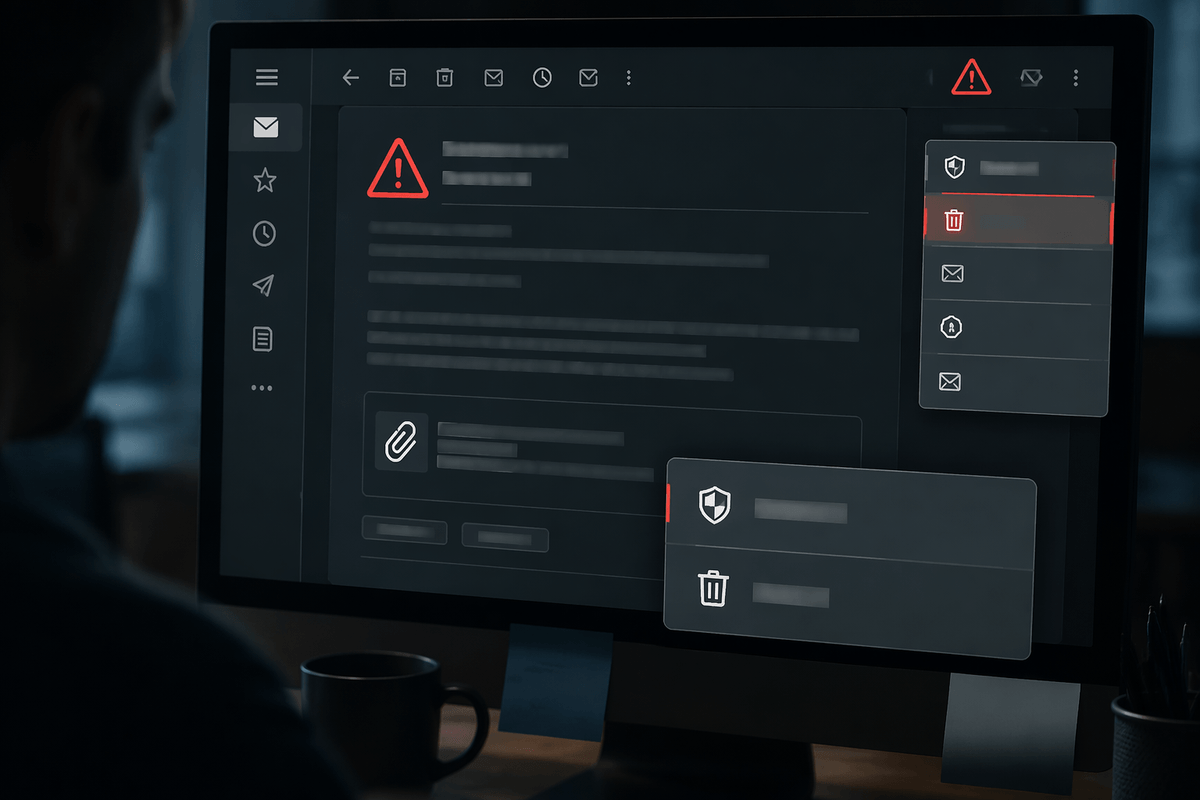
You’ll usually get the biggest win by choosing one action per message type. If it’s a real brand you recognize and the email looks like normal marketing (clear footer, no pressure to “verify” anything), use the unsubscribe link—preferably the built-in unsubscribe button your email app shows near the sender—then give it a week to take effect. If it’s obvious junk, “Report spam” is better than deleting because it feeds the filter and reduces similar mail later.
For anything you didn’t sign up for, anything that feels urgent, or anything asking you to log in, pay, or open an attachment, don’t unsubscribe. Just report as spam (or phishing if your provider offers it) and delete. Unsubscribing from sketchy senders can confirm your address is active, and that can increase the volume you’re trying to reduce.
Reduce future spam by protecting accounts and exposure
Your inbox usually gets worse when your address gets exposed in more places, or when someone gains access and starts using it. Start with the basics: turn on two-factor authentication for your email account, and use a long, unique password (a password manager makes this realistic). Then check your account settings for auto-forwarding rules and unfamiliar “send mail as” addresses—attackers often add these so they can keep receiving copies even after you change your password.
Reduce the number of places your real address appears. Use aliases (or “plus addressing” like name+shopping@) for sign-ups, vendors, and trials so you can filter or shut off a stream later without affecting client mail. For forms you don’t fully trust, consider a dedicated secondary address. The trade-off is management overhead: more addresses and aliases mean you’ll need a simple system to track where each one is used when you’re hunting down a leak.
Maintain a cleaner inbox with simple weekly habits
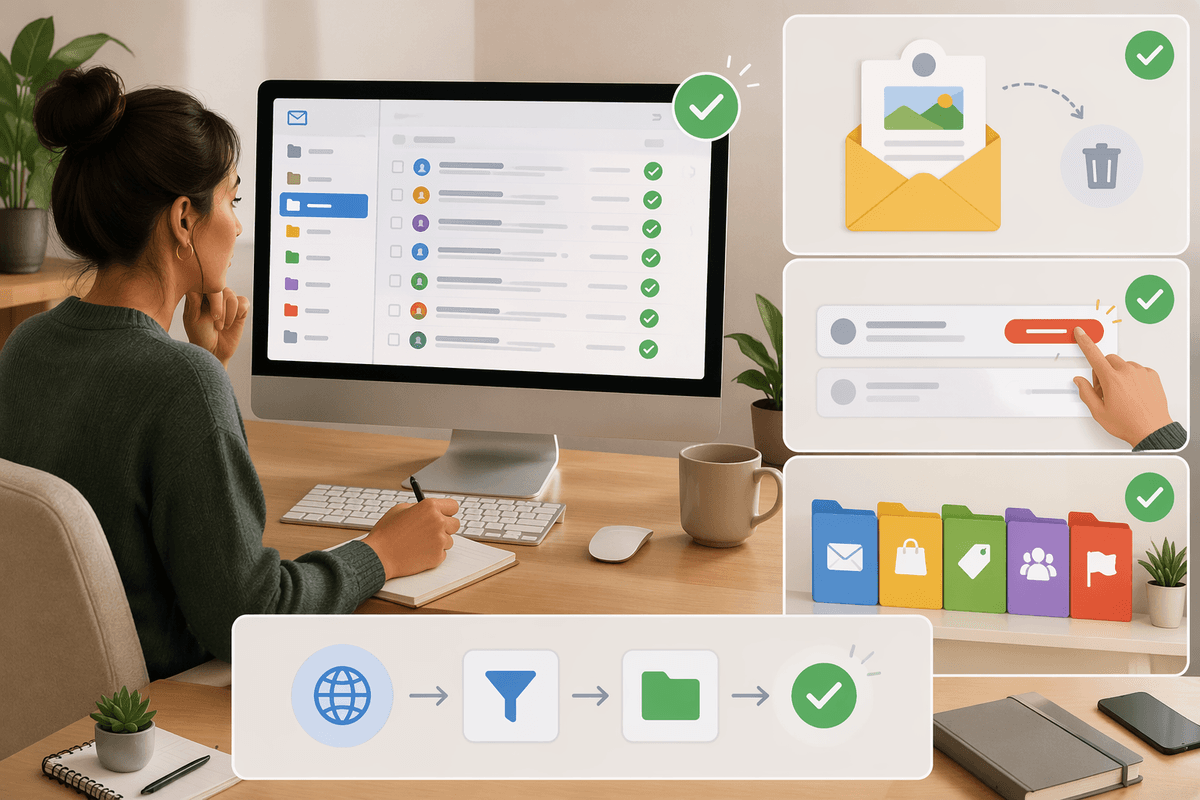
A clean inbox stays clean when you spend ten minutes a week doing the same small maintenance. Pick a low-traffic time and scan your Spam/Junk folder for false positives, then rescue anything legitimate and mark it “Not spam” so the filter learns. Skim your “Newsletters” (or whatever folder you routed marketing into) and unsubscribe from anything you haven’t opened in a month. If a sender keeps slipping past your rules, don’t write a complex filter—add one simple rule based on the sending domain and test it for a week.
Also keep an eye on the costs of automation: overly aggressive rules and auto-deletes create silent failures. A quick check of your filtered folders is cheaper than missing a client reply or a receipt you actually need.
A realistic end state: fewer distractions, lower risk
After a couple of weeks, the win usually looks like this: your inbox is mostly real conversations and time-sensitive receipts, while marketing and obvious junk land somewhere else. A few spam messages still sneak through, but they’re easy to spot and you handle them consistently—report, delete, move on—without clicking around. The trade-off is ongoing light maintenance: a quick check of filtered folders so rules don’t hide something important, plus occasional tweaks when senders change domains. That’s “stopped” in practice: fewer distractions and lower odds of getting fooled.