First, what “down” looks like on Reddit
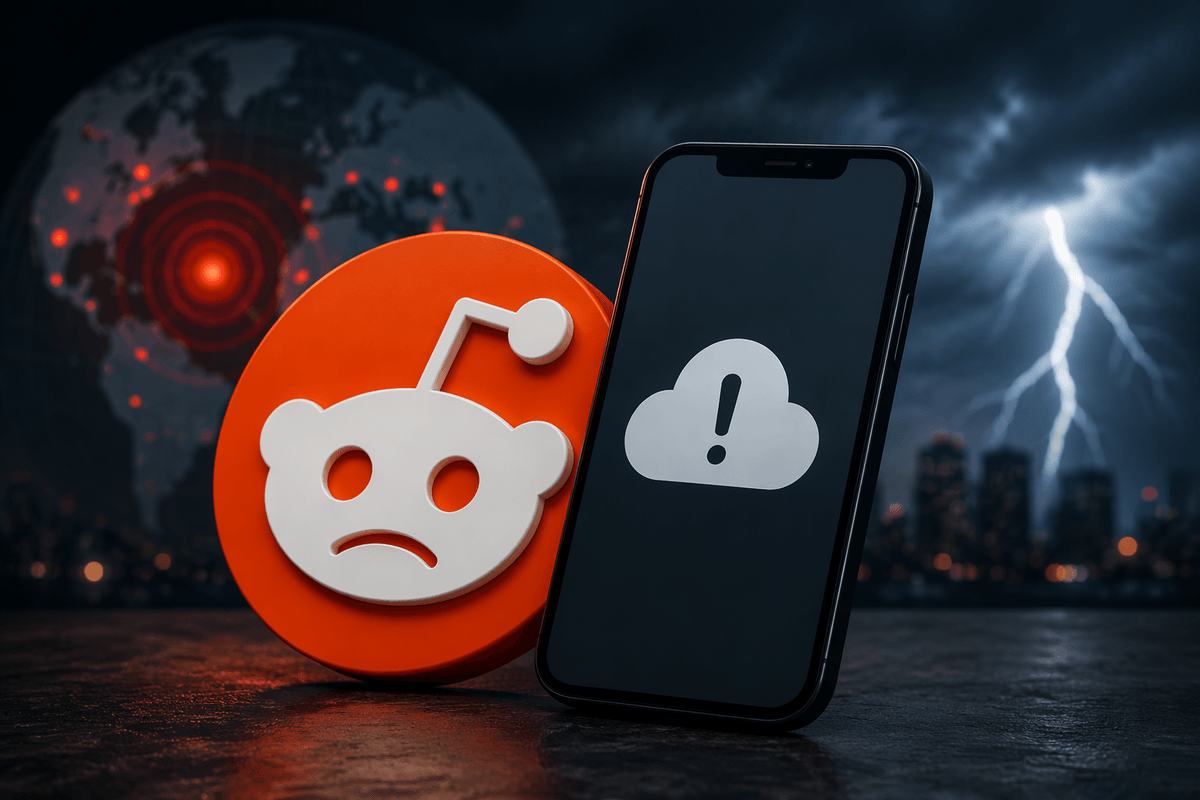
“Reddit is down” can mean a few different things, and the pattern matters. A full outage usually looks like the homepage and communities failing to load, endless spinning, or an error like “Our CDN was unable to reach our servers.” Sometimes Reddit partly works: posts load but comments won’t, search returns nothing, or images and videos fail while text appears. Other times it’s account-related: you can browse while logged out, but login loops or posting errors out. These differences help you avoid chasing the wrong fix—like reinstalling the app when the problem is on Reddit’s side.
Check if Reddit is down for everyone
You can usually confirm a Reddit-wide problem in under a minute by checking a couple of outside signals. Start with Reddit’s own status page (it will often show incidents for login, posting, comments, or media). Then cross-check an outage tracker like Downdetector: if reports spike sharply in the last 15–30 minutes, it’s likely not just you. A fast sanity check is social search—try looking up “Reddit down” on X or checking r/help from a logged-out browser; when there’s a real outage, you’ll see lots of similar complaints landing at the same time.
These checks aren’t perfect. Status pages can lag a little, and outage trackers can be noisy during big news events when traffic surges. That’s why two independent sources matching is a strong signal to stop troubleshooting and wait.
Rule out your connection in two quick tests
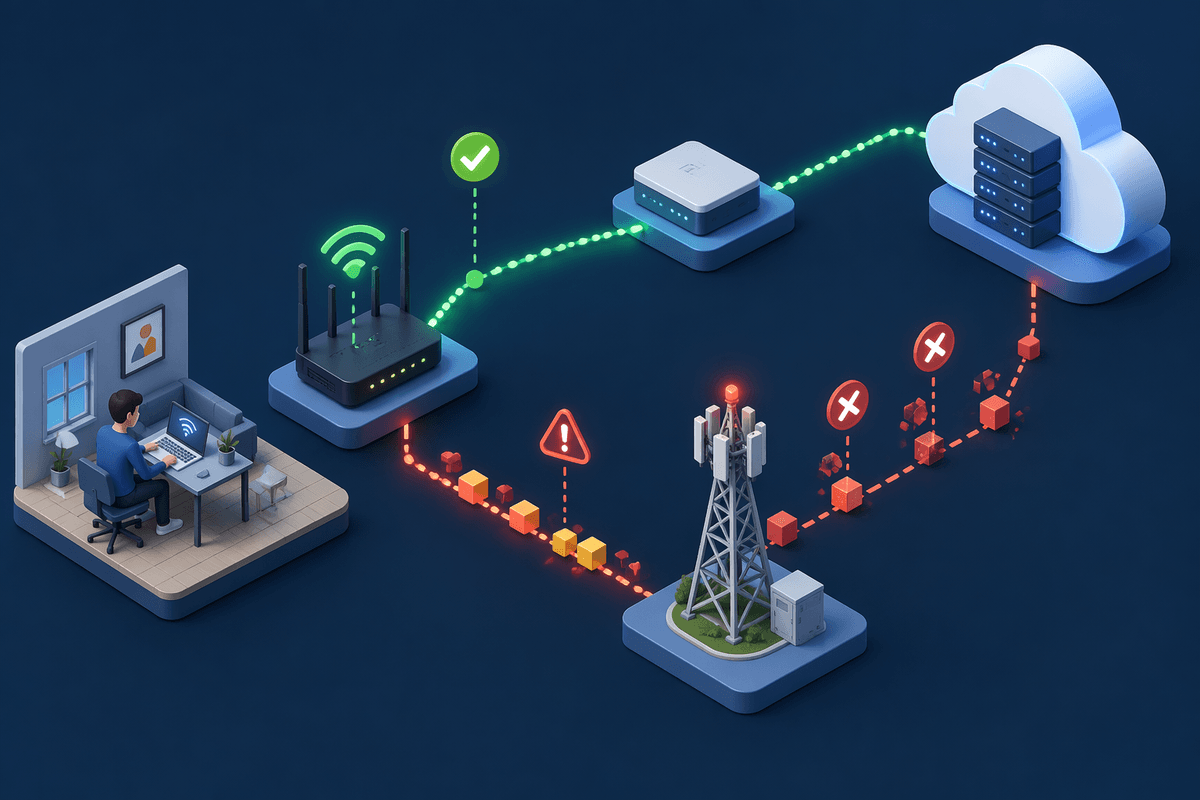
If the outside signals don’t clearly point to a Reddit outage, do two quick connection tests before you touch the app. First, switch networks: turn off Wi‑Fi and try Reddit on cellular data (or connect to a different Wi‑Fi). If Reddit suddenly works, your home network, router, or ISP path is the likely culprit. If nothing changes, the problem may be broader—or on the device.
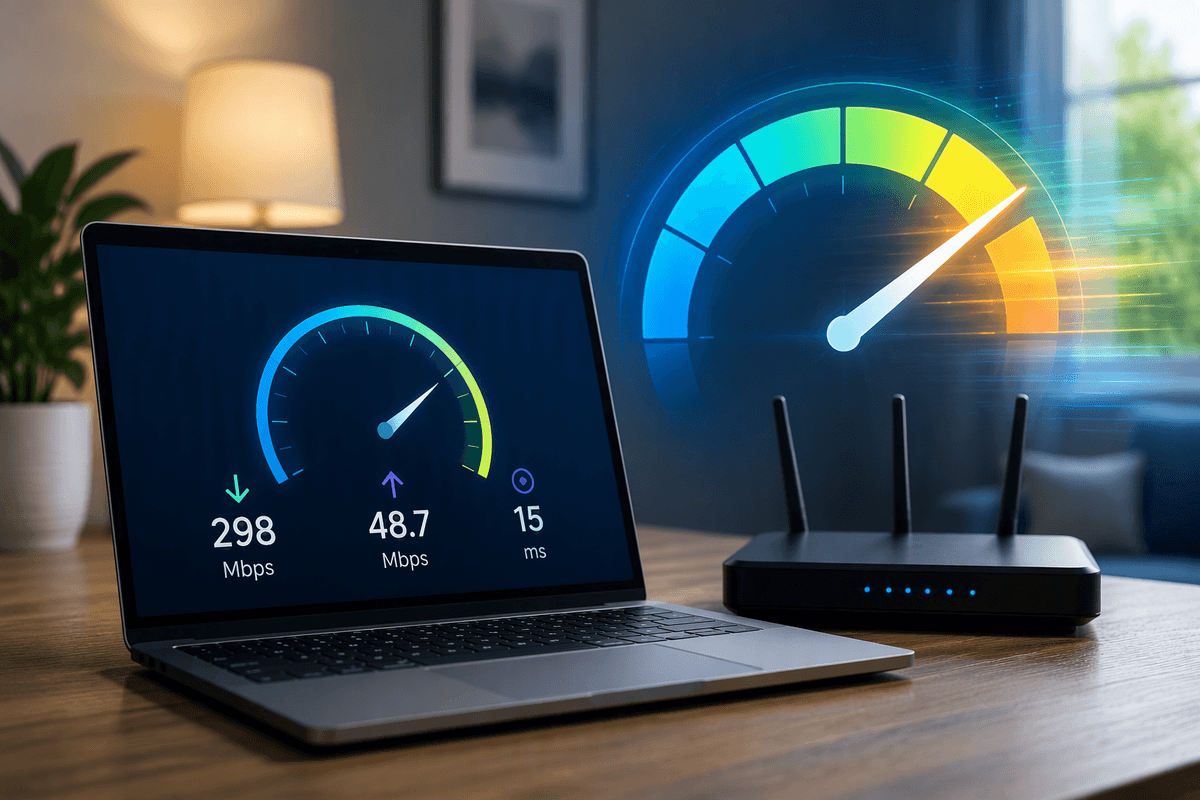
Second, load one “boring” site and one “heavy” site. Open a plain page like example.com, then try a media-heavy service like YouTube. If simple pages load but media-heavy sites stall, you may be dealing with packet loss, weak Wi‑Fi, or ISP congestion—issues that make Reddit’s images, video, and comments feel “down.” The practical catch: cellular tests can burn data, so keep them brief.
App or browser? Narrow it down in minutes
A common clue is whether Reddit fails everywhere on your device or only in one place. If the app won’t load, open Reddit in a browser (mobile Safari/Chrome) and try the same subreddit and a couple of comments. If the browser works but the app doesn’t, you’ve likely got an app-side problem: a stuck update, corrupted cache, or a bad session token.
If the app works but the browser doesn’t, the fastest fix is usually local: disable extensions (especially ad blockers), try a private/incognito window, or switch browsers. For either case, force-close and reopen first, then sign out and back in if you can. Reinstalling can help, but it costs time, can reset settings, and won’t fix a real Reddit outage—so use it only after the browser/app split points clearly at your device.
When it loads but won’t log in or post
You’ll sometimes find Reddit “works” until you try to do anything account-based: logging in loops, upvotes don’t stick, comments fail to submit, or you get a generic “Something went wrong.” Treat that as a separate category from “can’t load Reddit,” because it often points to login/session services, rate limits, or a temporary posting issue rather than your connection.
Start by checking whether the same action fails in two places: app and browser. If you can post from a browser but not the app, force-close the app, clear its cache (Android) or offload/reinstall (iOS), and try again. If you can’t log in anywhere, try resetting your password once and stop—repeated attempts can trigger extra security checks. If only posting fails, reduce complexity: remove links, try plain text, and test a different subreddit in case you’re hitting a rule, flair, or karma restriction.
Could it be your account, not Reddit itself?
You may be able to browse Reddit just fine while logged out, yet everything breaks the moment you sign in. That often points to an account-level issue: a temporarily locked account, a security challenge, or a restriction that blocks certain actions (posting, voting, chat) even though pages still load. A quick tell is whether a different account works on the same device and network, or whether your account behaves the same on another device.
If a second account works, stop blaming your Wi‑Fi. Check your inbox for admin messages, verify your email if prompted, and look for a “try again later” pattern that suggests temporary limits. Avoid repeated login attempts, password resets, or rapid-fire posting tests; those can extend the cooldown and make the problem harder to diagnose.
ISP, DNS, or regional trouble: the hidden culprits
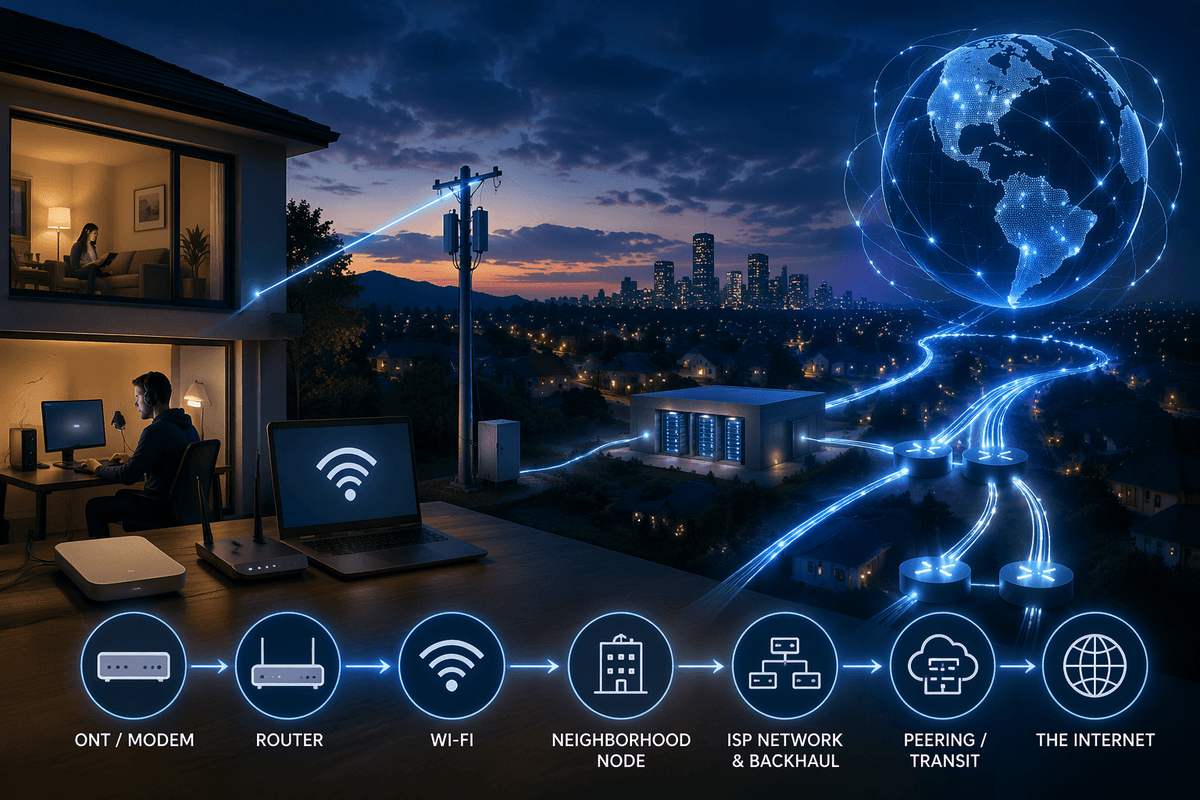
You’ll also hit cases where Reddit isn’t “down,” but the route to Reddit is. If Reddit works on cellular but not your home Wi‑Fi, your ISP may be having a localized routing issue, congestion, or a bad hop to Reddit’s CDN.
DNS can create a similar illusion, especially when some parts load and others time out. Switch DNS temporarily (Google DNS 8.8.8.8 or Cloudflare 1.1.1.1), then retry. If that fixes it, your ISP’s DNS resolver may be struggling. The practical downside: changing DNS on a router or device takes a few minutes and can confuse other household devices, so it’s best treated as a test—then revert once things stabilize.
What to do while you wait—and how to stay updated
Once you’re confident it’s not your device or account, the best move is to stop “fixing” and switch to low-effort checks. Keep one status source open (Reddit’s status page plus an outage tracker) and refresh occasionally instead of retrying every minute—rapid login attempts and repeated posts can trigger extra cooldowns even after service returns. If you just need to read, try logged-out browsing in a mobile browser, or use an alternate network (cellular vs. Wi‑Fi) to route around a local ISP hiccup.
For updates, set alerts from your outage tracker or watch for incident updates on the status page; those usually show which features are affected (login, comments, media) and when recovery starts. If you rely on Reddit for breaking news, keep one backup community source ready—an RSS feed, a Discord, or a news site—so an outage doesn’t cut you off completely.