How Apple Health studies work—and what “enroll” really means
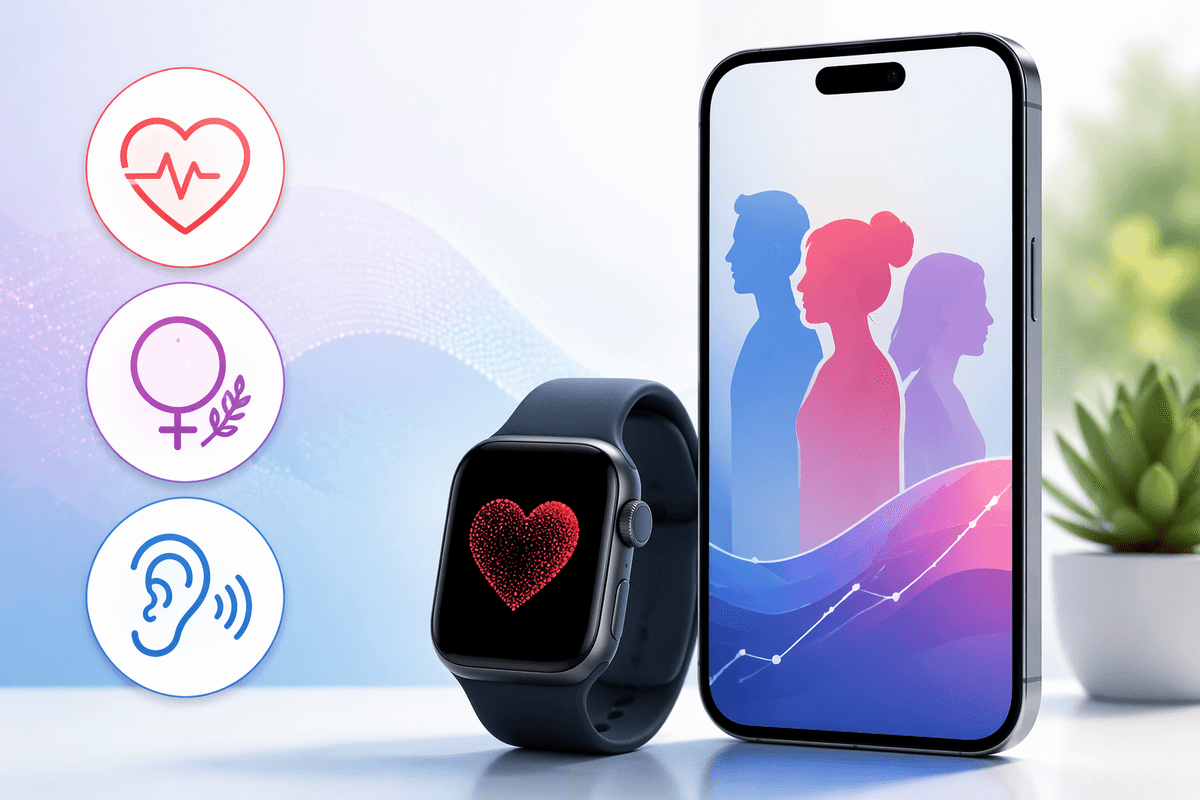
Apple Health studies are research projects run through apps like Research app on iPhone, often in partnership with universities or hospitals. When you tap “Enroll,” you’re not just downloading a feature—you’re giving informed consent to share specific categories of data (for example, activity, heart rate, or hearing-related metrics) and to be contacted for surveys or check-ins. You’ll see exactly what data types are requested, and you can decline some permissions.
Participation usually means two things: passive data collection from iPhone/Apple Watch and occasional short questionnaires. The practical trade-off is time, plus battery and storage use, and you may need an Apple Watch for some measures. You can stop sharing and withdraw at any time, but data already submitted may still be used in the study’s analysis.
A quick checklist before you join any Health study
Most people enroll when a study sounds relevant, then get surprised by the fine print. Before you commit, confirm the basics: do you have the required device (some studies work with iPhone alone, others expect Apple Watch data), and are you willing to keep Health and motion permissions on long-term? Skim the consent screens for what’s collected (health metrics, survey answers, optional demographics) and whether data may be shared with research partners in a de-identified form. Check how often surveys arrive and whether you’re comfortable with notifications and reminders.
Also look for practical friction: extra battery use, background syncing over cellular, and the possibility that you’ll be ineligible due to age, region, or medical-history questions. If any item feels unclear, don’t enroll until you can read the study FAQ inside the app.
Study #1: Apple Heart and Movement Study (heart health trends)
The Apple Heart and Movement Study is built for long-haul, “live your life normally” participation: it looks for patterns linking activity and heart health over time using data your iPhone and Apple Watch already collect. It’s run with Brigham and Women’s Hospital and the American Heart Association, and it’s designed to continue for years (with periodic consent renewals).
Practically, you should expect mostly passive sharing (movement and heart-related metrics) plus occasional surveys in the Research app. Eligibility is fairly strict: you generally need to live in the U.S., meet the minimum age requirement, have an iPhone plus an Apple Watch (Series 1 or later), use English, and not share your iCloud account or devices. The biggest real-world cost is keeping permissions and syncing turned on for the long term, which can add mild battery and notification friction.
Study #2: Apple Women’s Health Study (cycle and reproductive health)
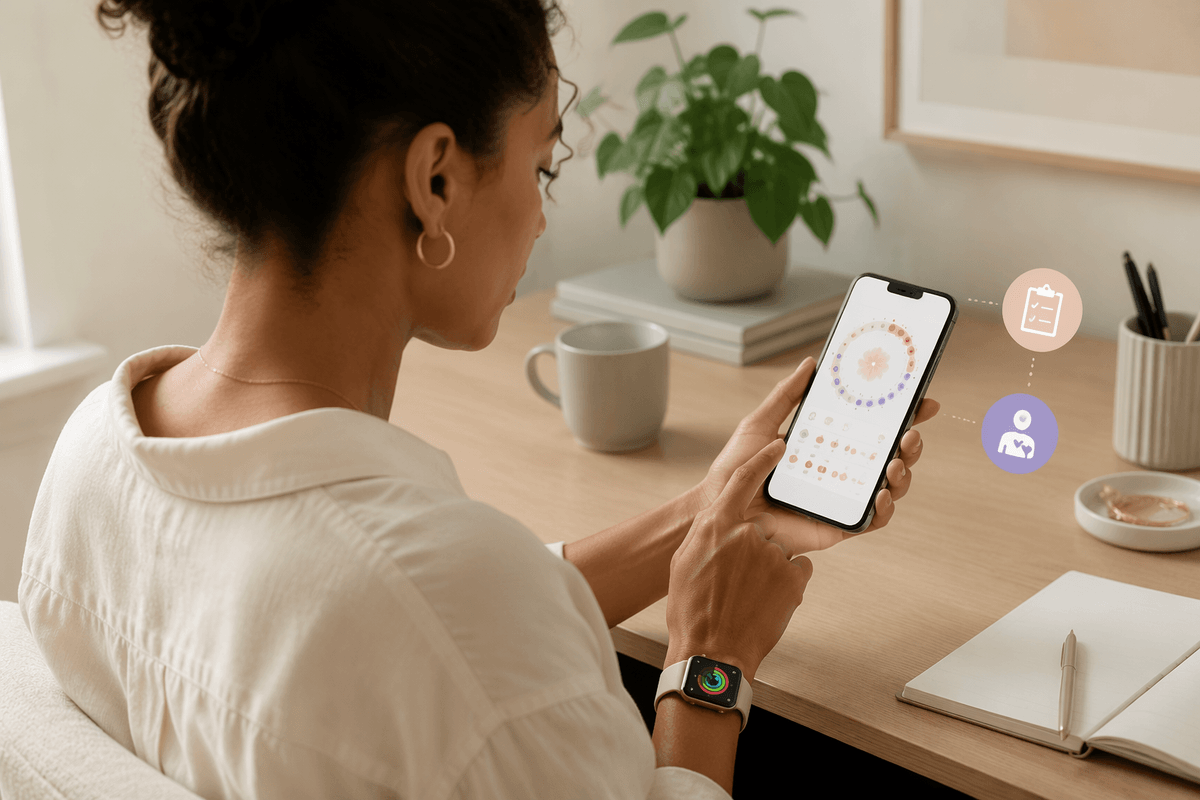
The Apple Women’s Health Study focuses on menstrual cycles and reproductive health patterns at scale, looking at how cycles relate to factors like lifestyle and broader gynecologic health over time. It’s run through the Research app with Harvard T.H. Chan School of Public Health, alongside Apple and the National Institute of Environmental Health Sciences.
Participation is a mix of what you already track and what you’re willing to report: you’ll be asked to consent to sharing relevant iPhone data (and Apple Watch data if you choose), plus complete occasional short surveys about things like cycle details, symptoms, and medical history. The practical friction is consistency: the study is only as useful as your tracking habits, and logging can feel repetitive during busy months. Also, because cycle and fertility-related information is sensitive, it’s worth double-checking the exact data categories requested on the consent screens before you approve access.
Study #3: Apple Hearing Study (listening habits and hearing health)
The Apple Hearing Study is geared toward everyday listening: how often you’re around loud environments, how loud you play audio, and whether those exposures line up with changes in hearing health over time. Participation is usually a blend of passive metrics (like headphone audio levels and environmental sound levels) plus periodic surveys about symptoms such as tinnitus, hearing difficulty, and hearing-protection habits. If you wear Apple Watch, it can add more consistent noise-exposure data, but you’ll still be asked to confirm permissions in Health.
The real trade-off is behavioral: if you don’t use compatible headphones, don’t wear your watch regularly, or keep sound-level tracking off to save battery, the dataset gets thinner. It’s also a study where small privacy details matter—sound “levels” aren’t recordings, but you should still read exactly what’s collected and who gets de-identified access before enrolling.
Privacy and data sharing: what you’re agreeing to, in plain language
The main privacy decision is simple: you’re allowing certain Health categories and survey answers to leave your phone and be used for research. In most Apple Health studies, data is sent in a coded or de-identified form to the study team and their partners, so your name and direct identifiers aren’t attached to each record. That said, “de-identified” doesn’t mean “impossible to re-identify” in every scenario, especially when datasets are combined. Treat it like sharing a detailed but unlabeled profile, not a fully anonymous one.
You also agree to some practical data handling realities. If you withdraw, future collection stops, but data already submitted may still be kept and used in analyses. You may be contacted for surveys, reminders, or follow-ups, and some studies may request optional info like demographics to improve accuracy. The safest habit is to read the permission list line by line, then only enable what you’re comfortable leaving on for months or years.
How to enroll today (and avoid common setup snags)
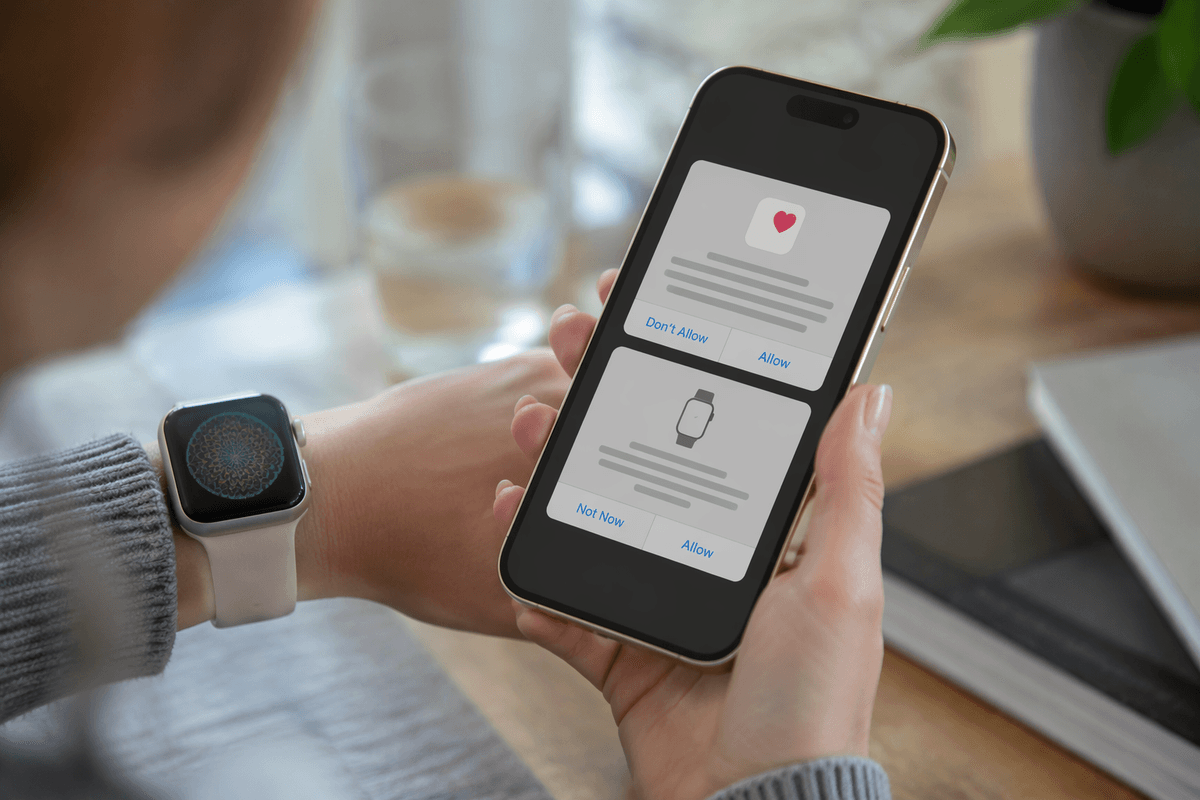
Enrollment is done in Apple’s Research app on your iPhone. Open it, browse the available studies, tap the one you want, then work through eligibility questions, consent screens, and the permission prompts for Health (and Apple Watch, if required). The smoothest path is to do it on Wi‑Fi with your watch nearby and unlocked, then immediately check that the study shows as “Enrolled” and that Health sharing is actually enabled.
Most setup snags come from a few predictable places: an iOS/watchOS version that’s too old, region or age restrictions, sharing an iCloud account/device with someone else, or Health permissions that were previously denied. If surveys don’t arrive, confirm notifications are on for Research, Background App Refresh is enabled, and Low Power Mode isn’t routinely blocking background syncing.
Picking the right one: match your goals and your tolerance
If you want the lowest-effort “set it and forget it” option, the Heart and Movement Study is usually the best fit—assuming you’re in the U.S. and wear your Apple Watch regularly. If your goal is insight around cycles, symptoms, or reproductive health patterns, the Women’s Health Study makes sense, but it asks more of you: consistent tracking and comfort sharing sensitive details. If you’re motivated by practical prevention—volume habits, noisy environments, tinnitus check-ins—the Hearing Study is a good match, but only if you’ll keep sound-level features enabled.
A simple rule: pick the study you can support on your busiest month, not your best week. Long studies quietly “cost” battery, background syncing, and attention to surveys, and opting out later is easy—but it can still feel like churn. When two studies appeal, choose the one where you’re most comfortable leaving the data permissions on continuously, because that’s what makes your participation useful.